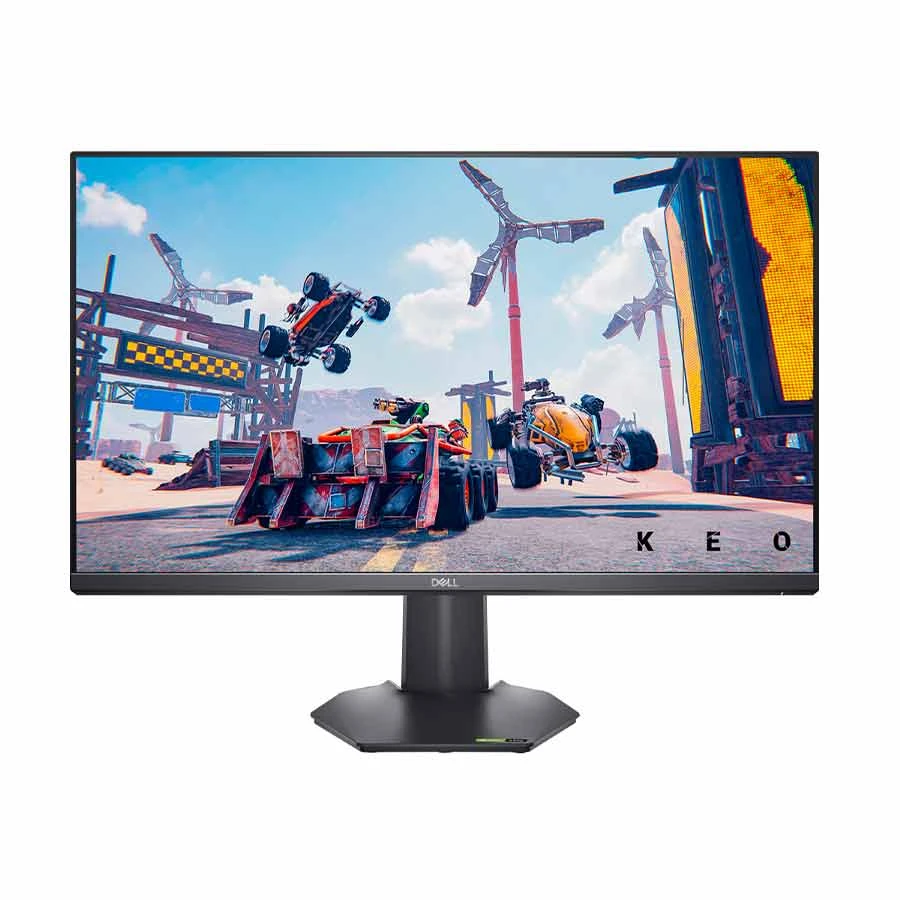
Dell G2722HS 27-inch gaming monitor
Dell G2722HS is a 27-inch flat IPS gaming monitor with a native 1920 × 1080 Full HD resolution and refresh rate up to 165 Hz. This pairing suits a PC that can deliver high frame rates at FHD without the extra graphics demand of QHD. At 27 inches, however, FHD has lower pixel density than a QHD panel of the same size, so close-up text and fine artwork may look less sharp. Dell specifies 99% sRGB colour coverage, a typical brightness of 350 cd/m² and a 1000:1 contrast ratio. These are manufacturer specifications, not a promise that every room, game or colour workflow will look the same.
Motion and adaptive sync
Dell lists AMD FreeSync Premium and NVIDIA G-SYNC Compatible certification for the G2722HS. With a suitable graphics source and settings, variable refresh can help limit visible tearing as the frame rate changes. Dell advertises a 1 ms grey-to-grey response time; that is a specified mode rating rather than a guarantee that every transition occurs in 1 ms. To use 165 Hz, connect a compatible device, select a supported 1920 × 1080 mode in the operating system and check the display and game settings. A high refresh setting cannot create extra frames if the connected device renders fewer.
Ports, sound and placement
The monitor has two HDMI inputs, one DisplayPort 1.2 input and a 3.5 mm headphone output. The headphone jack is an output, not evidence of integrated speakers; plan on headphones or separate speakers for audio. Dell specifies height adjustment of 100 mm and tilt from -5° to +21°. A 100 × 100 mm VESA mount lets a compatible arm replace the supplied stand. The anti-glare coating helps with reflections, while the 178° horizontal and vertical viewing-angle specifications can be useful when a second person looks at the screen. The stand has no documented portrait pivot. Dell lists DisplayPort and HDMI cables on its regional product page, but verify the contents of the local retail box before relying on those accessories.
Choosing the right setup
This model is a practical fit when smooth FHD gaming, an IPS viewing experience and a height-adjustable 27-inch screen are the main priorities. It is less suitable if you need the finer desktop detail of QHD, a USB-C video connection, built-in sound or a portrait-oriented stand. Check the output ports and maximum refresh rate of your computer or console before ordering. Also confirm the exact unit, seller terms, local warranty and current availability with the merchant. For setup details and model documentation, consult Dell's G2722HS manuals.