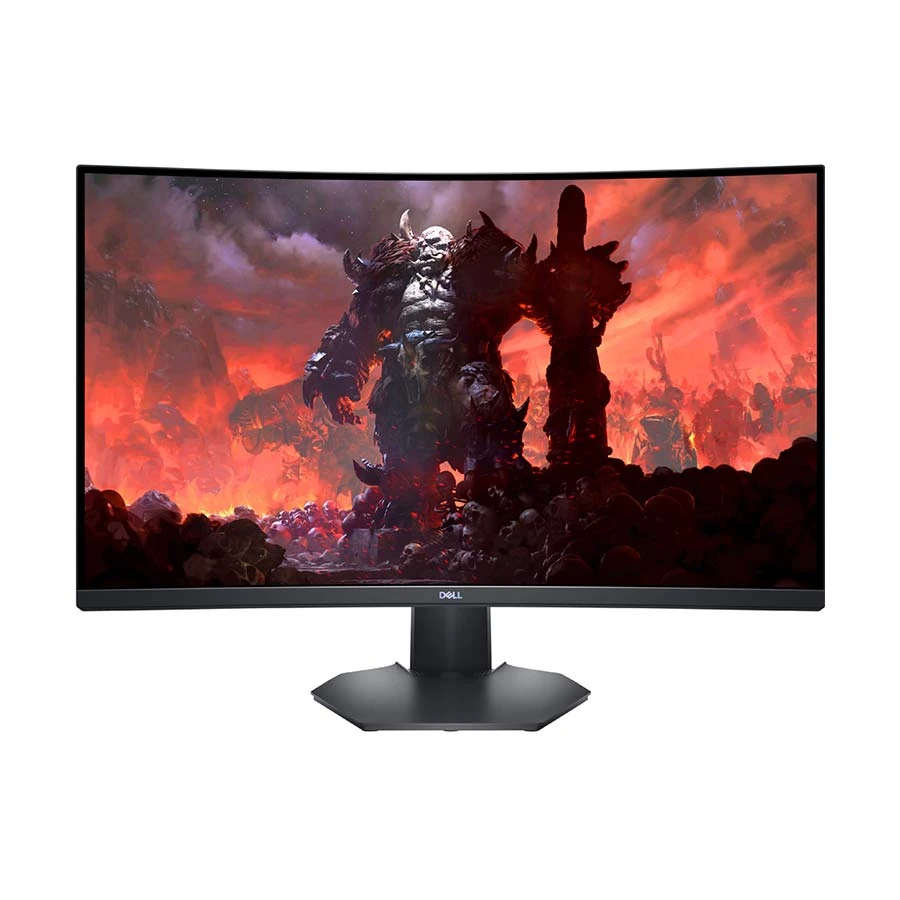
Dell S3222DGM curved QHD gaming monitor
Dell S3222DGM is a 31.5-inch viewable QHD curved gaming monitor with a 2560 × 1440 VA panel and 1800R curvature. QHD provides more desktop pixels than Full HD, useful for games and work that benefit from a larger workspace. At this size its specified density is about 93 pixels per inch, so it will not look as fine at close range as a smaller QHD or similarly sized 4K screen. Dell lists a typical 350 cd/m² brightness, 3000:1 contrast and 99% sRGB colour coverage. The VA panel and curved shape favor a centered viewing position, while the real appearance still depends on lighting, settings and source material.
Match refresh rate to the connection
Dell's user guide separates the maximum native-resolution refresh by input: 2560 × 1440 at 165 Hz over DisplayPort 1.2 and 2560 × 1440 at 144 Hz over HDMI 2.0. The product supports AMD FreeSync Premium when used with compatible graphics hardware and settings. Variable refresh can reduce tearing when frame delivery fluctuates. Dell gives several response modes: 8 ms grey-to-grey Fast, 4 ms Super Fast, 2 ms Extreme and 1 ms MPRT. MPRT measures a different mode from grey-to-grey pixel transitions, so the 1 ms label does not mean every transition takes 1 ms. Select the connection, resolution and refresh rate your PC or console can actually output.
Connections and physical setup
The S3222DGM has two HDMI inputs, a DisplayPort 1.2 input and a 3.5 mm headphone output. Dell explicitly lists no built-in speakers; use headphones or separate speakers for sound. Its stand provides 100 mm height adjustment and -5° to +21° tilt. Dell also specifies 100 × 100 mm VESA mounting for a suitable monitor arm. The standard stand has no portrait pivot. Anti-glare coating and cable management may help keep a gaming desk practical, but check your desk depth and viewing distance for a 31.5-inch curved panel. Regional Dell pages list HDMI and DisplayPort cables; confirm the exact contents of the Bangladesh seller's box.
Before ordering
This monitor fits a buyer who wants a large curved QHD screen, high refresh through DisplayPort and VA contrast. It is less appropriate if USB-C video, integrated speakers, a portrait stand or 4K pixel density is a requirement. The title sometimes calls QHD “2K”; use the actual 2560 × 1440 specification when comparing it with other displays. Check the graphics card or console output, available cable, target frame rate and space on the desk. Confirm the exact seller, current availability and local warranty independently. Dell's S3222DGM user guide provides the connection modes and setup details.