Pros
- Several supported playback routes after the required Sonos app setup
- Touch controls and app equalization allow local and phone control
- Physical switch can disconnect microphone power
- An optional second Era 100 can form a stereo pair

All categories
 New condition
Headphones & Speakers
Sonos · Era 100
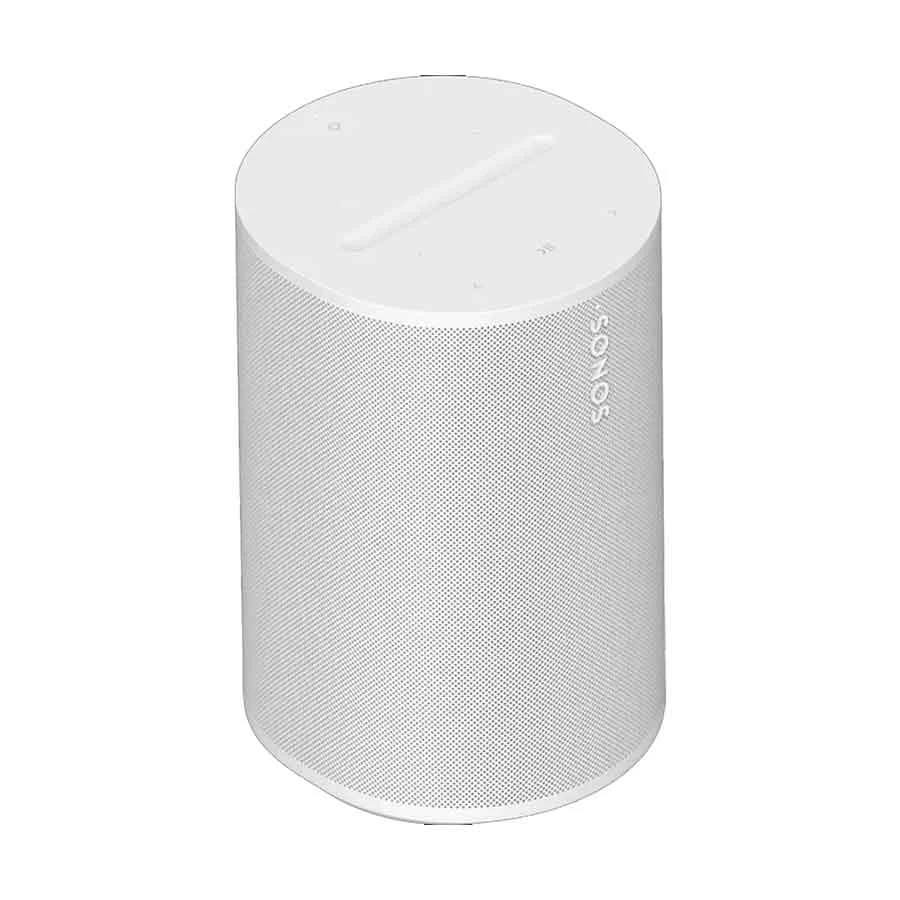
Sonos Era 100 White powered speaker with Wi-Fi, Bluetooth, AirPlay 2 and touch controls. The Sonos app and Wi-Fi are required for initial setup; line-in needs a separate adapter.
Price unavailable
Price range updating
No verified price is available yet. Store offers will appear when merchants publish them.
Compare store prices
No live offers for this variant
Offers will appear when merchants publish them.
Loading history…
Product story
The Sonos Era 100 is a compact powered speaker for music, podcasts and other audio in a home room. This listing's Ryans source identifies the White finish. Sonos sells Era 100 in White and Black; the color of this particular listing should be checked against the seller's exact unit rather than assuming the two finishes share one stock record. Sonos describes two angled tweeters for left and right high frequencies and one midwoofer. It can serve as one speaker now and, with a second compatible Era 100, form a wider stereo pair. A single Era 100 should not be described as a two-speaker stereo pair.
Sonos says Era 100 must first be set up on a Wi-Fi network through the Sonos app on a compatible phone or tablet. After that setup, the rear Bluetooth button can pair a Bluetooth audio source. Wi-Fi playback, Apple AirPlay 2 on a supported Apple device and Bluetooth offer different ways to listen; check the source device and service requirements before choosing a method. The speaker uses AC mains power. Its USB-C socket is for supported audio line-in or wired network accessories and is not a charging port or an independent power input.
A turntable with a built-in phono preamp, CD player or other suitable analog source can connect through a 3.5 mm cable and the Sonos Line-In Adapter or Combo Adapter, sold separately. A turntable without the required preamp needs that issue solved before connection. The Combo Adapter can also provide Ethernet. The top touch surface handles volume, playback and track changes, while the Sonos app controls settings and equalization. Era 100 has microphones for supported voice features and Trueplay tuning; a physical switch on the rear disconnects microphone power. Availability of voice assistants depends on region, language and account setup. Sonos states that USB-C line-in is not intended as a direct TV connection.
Sonos recommends leaving about 2.5 cm behind the speaker when it sits near a wall or shelf. Its humidity-resistant design can suit a bathroom with shower humidity, but Sonos explicitly says it is not waterproof or water-resistant. It should not be treated as a portable outdoor speaker or exposed to water. The supplied box listed by Sonos contains Era 100, a power cable and setup documentation; the line-in and Ethernet adapters are separate purchases. Confirm the White unit, plug, local warranty terms and any optional adapter directly with the Bangladesh seller before ordering. Sonos' Era 100 guide explains the controls, connections and setup limitations.
Helpful answers
Product-specific answers maintained with the catalog information.
No. Sonos says Era 100 must first be set up on a Wi-Fi network through the Sonos app. Bluetooth pairing is available after setup.
No. Era 100 uses its AC power cable. Sonos describes USB-C for line-in or Ethernet through compatible separately sold adapters.
A suitable analog source can use a 3.5 mm cable and Sonos Line-In or Combo Adapter, sold separately. A turntable may also need a built-in or separate phono preamp.
No. Sonos calls it humidity resistant but explicitly says it is not waterproof or water-resistant.
Customer community
Become a merchant
Join BiponiBD, publish accurate offers and start free.